A deleted mailbox, overwritten OneDrive files or an incorrectly modified SharePoint site can quickly disrupt a business. Yet many users still assume that working in Microsoft 365 automatically provides a backup suitable for every situation.
Microsoft ensures the availability and resilience of its service infrastructure. The organisation, however, remains responsible for its data, identities, configurations and chosen recovery strategy.
For a reseller or MSP, the discussion should therefore go beyond asking whether a customer “has a backup”. The partner needs to establish which data must be protected, how long it must be retained, what level of recovery is required and which process will be followed during an incident.
Availability and backup address different requirements
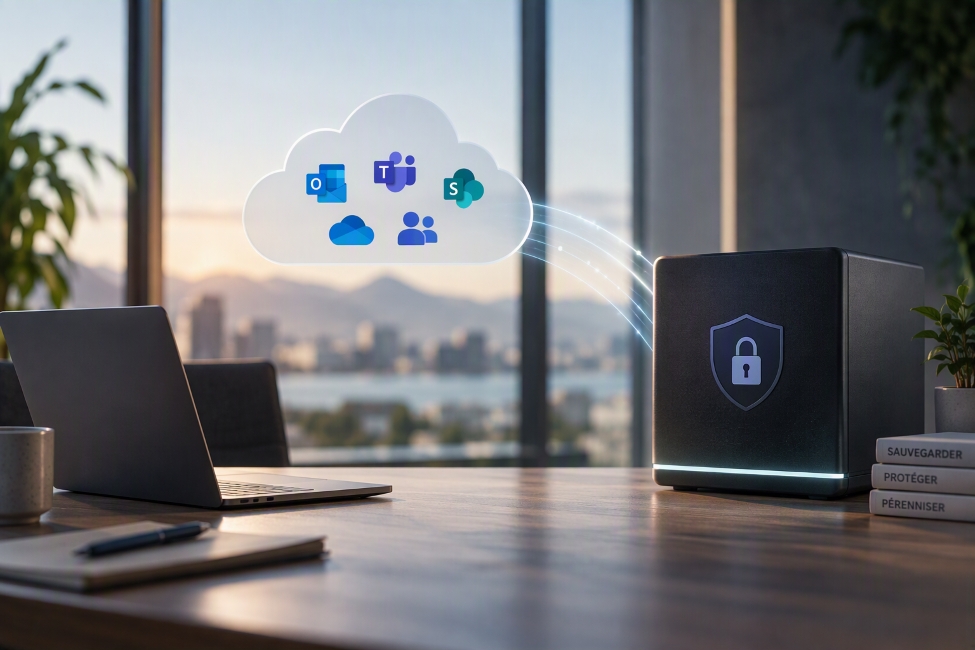
Availability allows users to access a service. Backup maintains separate copies of data so that they can be recovered after deletion, corruption, malicious changes or a cyberattack.
The retention features available in Microsoft 365 may address certain operational or regulatory requirements. They do not necessarily replace a backup strategy designed around the customer’s risks and recovery objectives.
That strategy should define:
- the applications and data to be protected;
- the required retention period;
- the expected level of recovery;
- data residency requirements;
- who is authorised to manage backups;
- the process to follow during an incident.
Three solutions distributed by MC3 Cloud
MC3 Cloud distributes several solutions for protecting Microsoft 365 data. The right choice depends on the customer’s requirements, the services already operated by the partner and the preferred management model.
- A dedicated SaaS backup solution, such as Keepit, for customers that prioritise a specialised platform, an independent backup environment and straightforward recovery of cloud data.
- An integrated protection platform, such as Acronis Cyber Protect Cloud, for MSPs that want to manage Microsoft 365 backup alongside other cyber protection services through a multitenant platform.
- Backup combined with archiving capabilities, such as Dropsuite, for organisations that must also consider retention, search, eDiscovery or compliance-related requirements.
To make sier, our backup and disaster recovery service helps partners qualify the requirement, select the appropriate solution and implement it.
How should you choose between Keepit, Acronis and Dropsuite?
Keepit: an independent platform dedicated to SaaS
Keepit is particularly relevant when a customer wants a platform designed specifically to protect SaaS applications.
Keepit can be considered when independence from the production environment is important, when several SaaS applications must be protected or when straightforward search and recovery capabilities are a priority.
Acronis: combining backup and cyber protection
Acronis Cyber Protect Cloud is better suited to MSPs that want to manage Microsoft 365 backup alongside other protection services.
This approach can be prioritised when the partner already uses the Acronis ecosystem, wants to centralise the management of several customers or plans to include Microsoft 365 backup within a broader cyber protection offering.
Dropsuite: combining backup and archiving
product:dropsuite can be considered when backup must be combined with data archiving, retention and search capabilities.
The solution is particularly worth evaluating when the customer has requirements related to eDiscovery, long-term retention or the ability to search information across backed-up and archived data.
Start with the requirement, not the product
A solution should not be selected solely from a feature list. Before making a proposal, the partner should verify:
- the Microsoft 365 workloads to be protected;
- the required retention periods;
- the expected recovery granularity;
- the volume of data involved;
- data location and residency requirements;
- the licensing and billing model;
- the required administration roles;
- feature availability in the customer’s territory.
For a project focused on independent storage and the protection of SaaS applications, Keepit is a natural option to evaluate.
When an MSP wants to combine Microsoft 365 backup, protection for other workloads and cybersecurity services, Acronis Cyber Protect Cloud may be a better fit for its operating model.
When archiving, search, retention and eDiscovery are important parts of the requirement, product:dropsuite deserves particular consideration.
Start with a recovery scenario
The most useful question to ask a customer is not simply, “Do you have a backup?”, but:
If a mailbox, OneDrive account or SharePoint site became unavailable tomorrow, would you know what to recover, which recovery point to use and which process to follow?
An inventory of critical data, followed by a controlled recovery test, allows the partner to compare solutions against real requirements rather than a generic feature list.
MC3 Cloud can help partners qualify the requirement, choose between Keepit, Acronis Cyber Protect Cloud and product:dropsuite, and implement an appropriate backup and disaster recovery solution.